Create a Countdown
Create a countdown in three steps: name it, pick the date, choose the colours.
Your countdown appears here as soon as you pick a date.
What a custom countdown gives you
- A live timer in days, hours, minutes and seconds.
- A link that opens the same countdown for anyone, in their own time zone.
- A calendar entry, an .ics file in the iCalendar standard that Apple, Google and Outlook calendars can import.
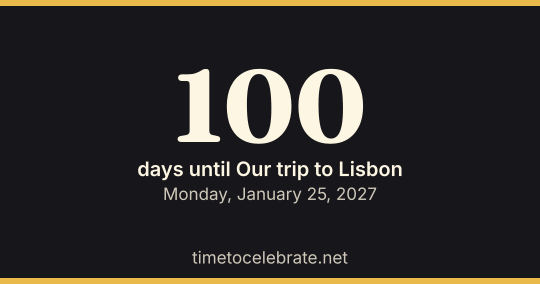
- An image of the current count, sized for a post (1200 × 630) or a story (1080 × 1920).
How the countdown maker counts
Without a time, the countdown runs to midnight at the start of the day you picked, and "days until" counts calendar days. With a time, it runs to that moment on your device's clock.
Everything is worked out in your browser; the name and date are kept in the page address and in this browser, nowhere else.
Wedding, birthday and holiday countdowns
For a wedding, the wedding countdown adds the milestone dates on the way there, and the birthday countdown works out the age you turn. Holidays and seasons already have their own holiday countdowns, each with the dates for the coming years.
Questions about making a countdown
How do I share my countdown?
As you fill in the form, the address of this page changes to include the name, date and colours. Press Share or copy the address: whoever opens it sees your countdown, ticking in their own time zone.
Do I need an app or an account?
No. The countdown runs in your web browser and lives in the link and in your browser's memory. Nothing is stored on our side, which also means a countdown cannot be edited after you send it; send a new link instead.
Can I count down to a time, not just a day?
Yes. Add a time and the timer runs to that moment on your device's clock. Without a time it runs to midnight at the start of the day.
Can I use it for a date in the past?
Yes. For a past date the page shows how many days ago it was, which works as a count-up for anniversaries or streaks.
Sources
- RFC 5545: Internet Calendaring and Scheduling (iCalendar) — the .ics format of the calendar file (checked October 16, 2026)